Let’s Talk


 2019
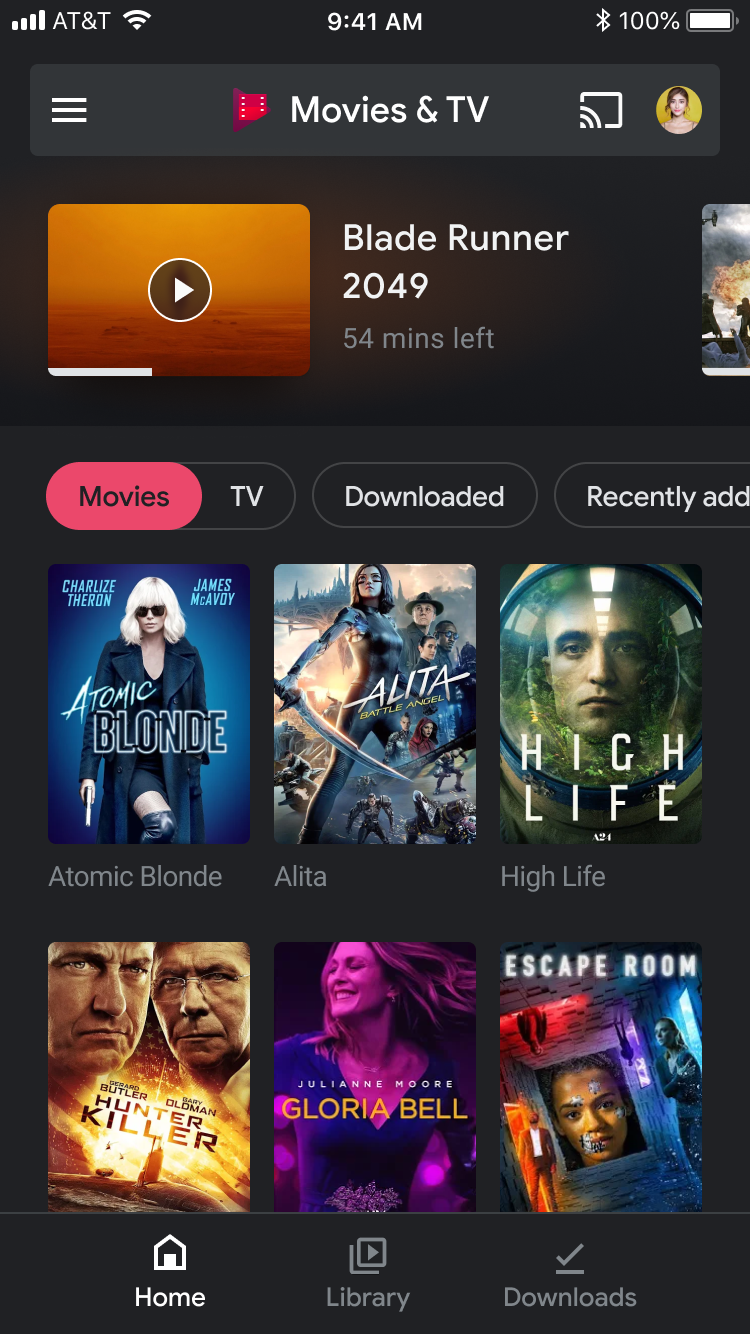
2019Play Movies & TV is Google’s source for movie and show streaming. The iOS app didn’t drive enough revenue to earn resources beyond general upkeep. But once we discovered how much playback came from its small user base, we were given light resources to revamp it for its core users.
Lead designer for the iOS redesign
Design and delivery strategy, developer and cross-org collaboration
UX researcher, PM, team leads, the Material team, and a data analyst
Shipped MVP: redesigned home, detail page, and library, plus a new illustration style
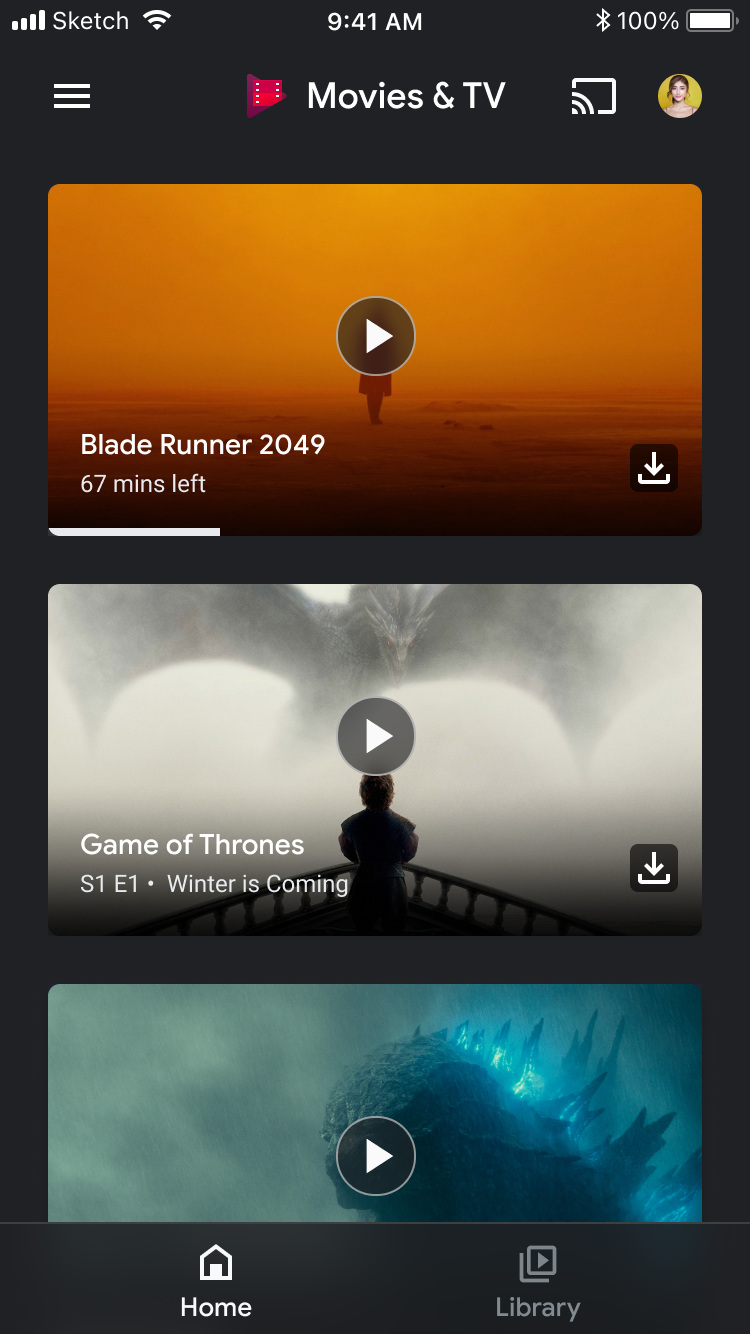
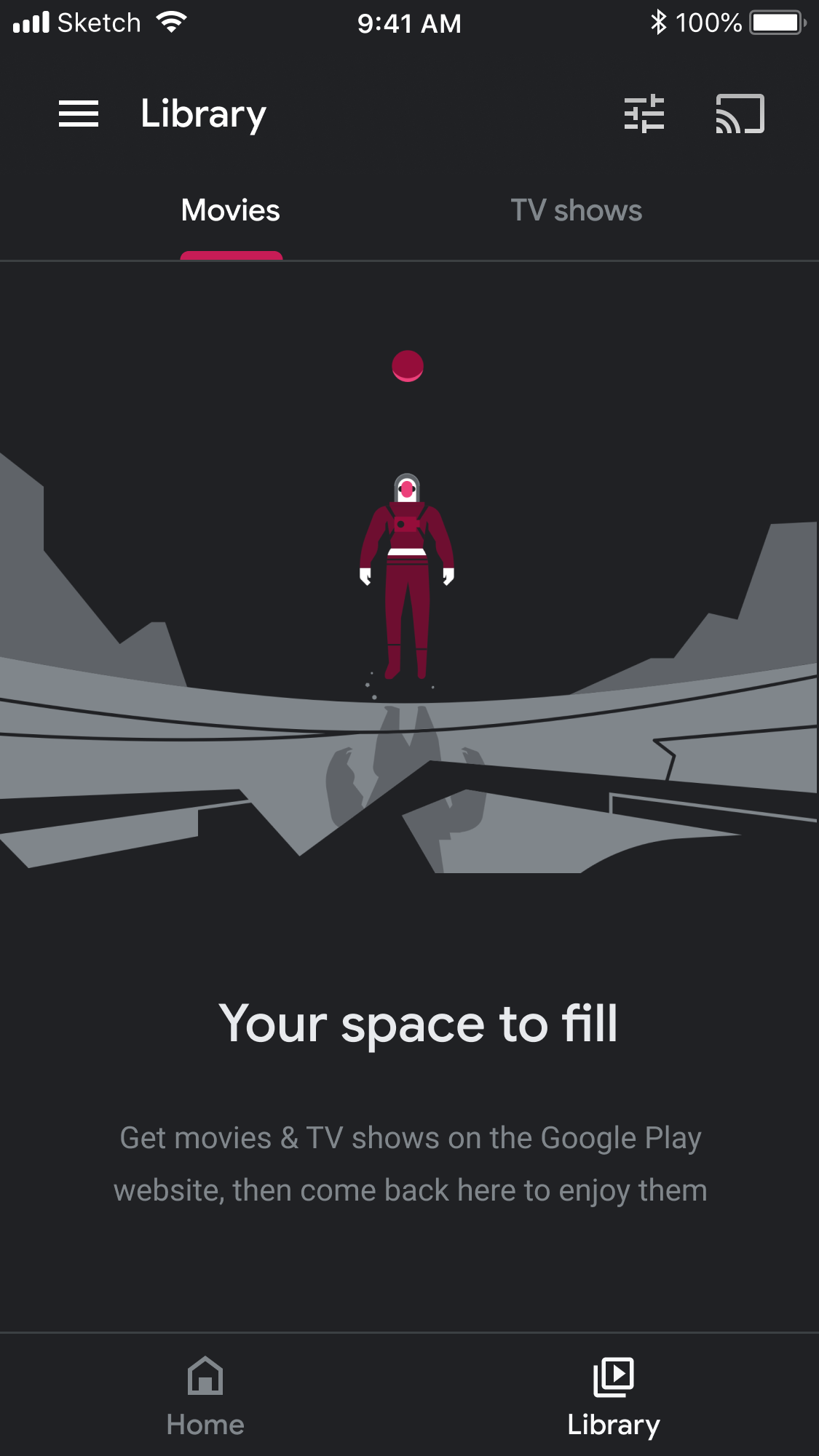
iOS wasn’t a major revenue driver for the Play org, as purchases weren’t available through the App Store. It was still valuable, though: analytics showed that a small share of users accounted for an outsized share of playback.
Users bought content on their Android or other devices, then used their iOS devices to play back what they’d purchased or downloaded.
Looking into platform usage, 53% of iOS playback was on iPad and 43% of playback was offline.
With that knowledge, a redesign project was born. The goal: to improve the experience for our iOS users.
It had been a while since the app had any design updates, only supportive maintenance.
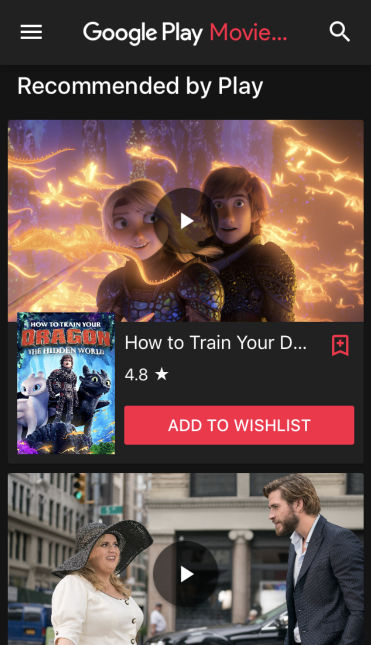
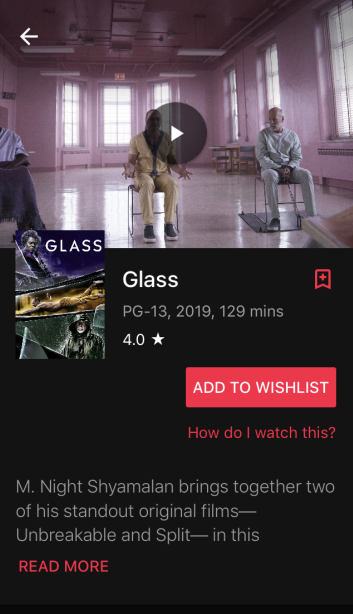
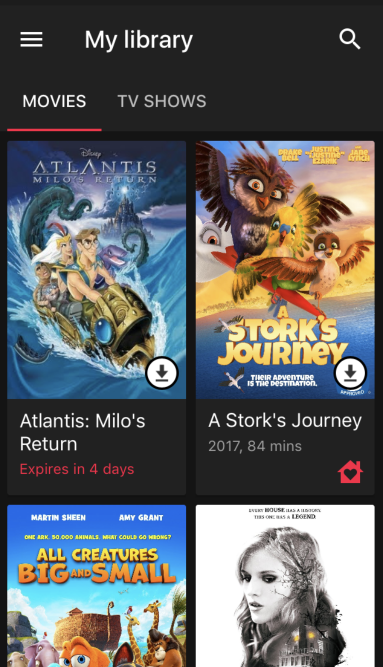
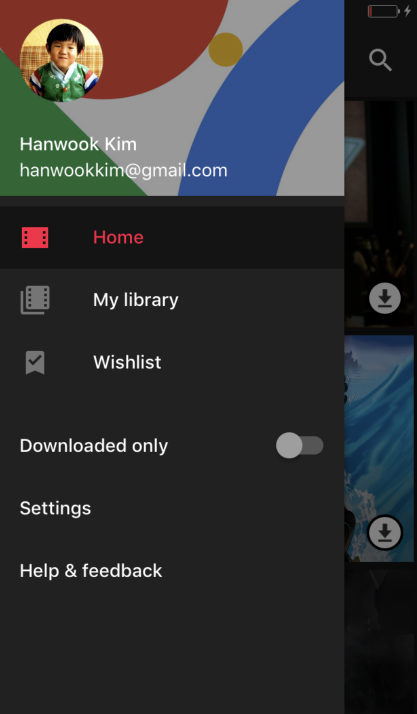
The time and effort allotted to the iOS redesign was minimal, which heavily restricted any large changes… at least for version one.
To deliver the redesign on time, leadership deemed the discovery experience low priority, and it was removed. That meant we also removed any features or functionality that promoted purchasing.
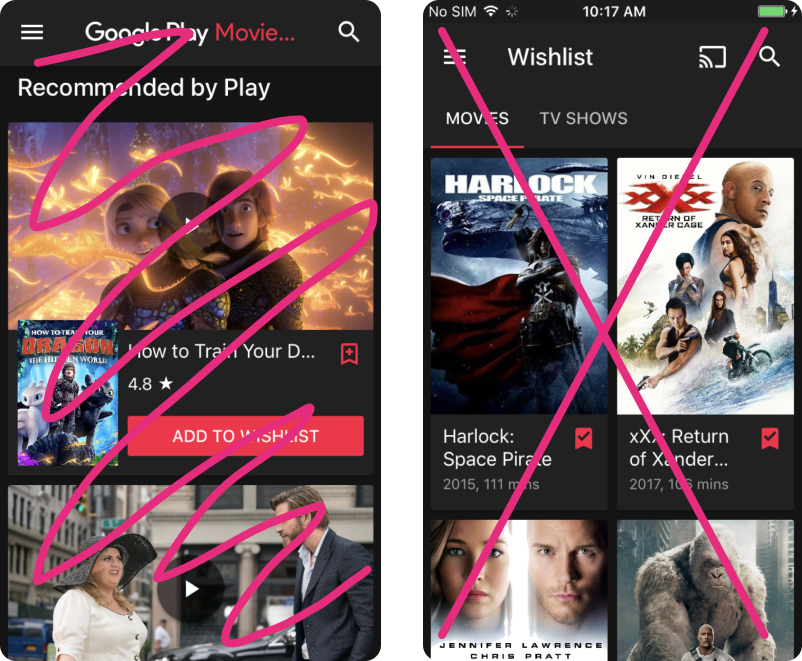

There were loose plans to reintroduce content discovery later. To reduce future effort, we decided to keep features that would make that transition easier.
There were also efforts to bring ad-supported video on demand (AVOD) to the Android client. I needed a design strategy that could accommodate AVOD as a potential replacement for content discovery on iOS.
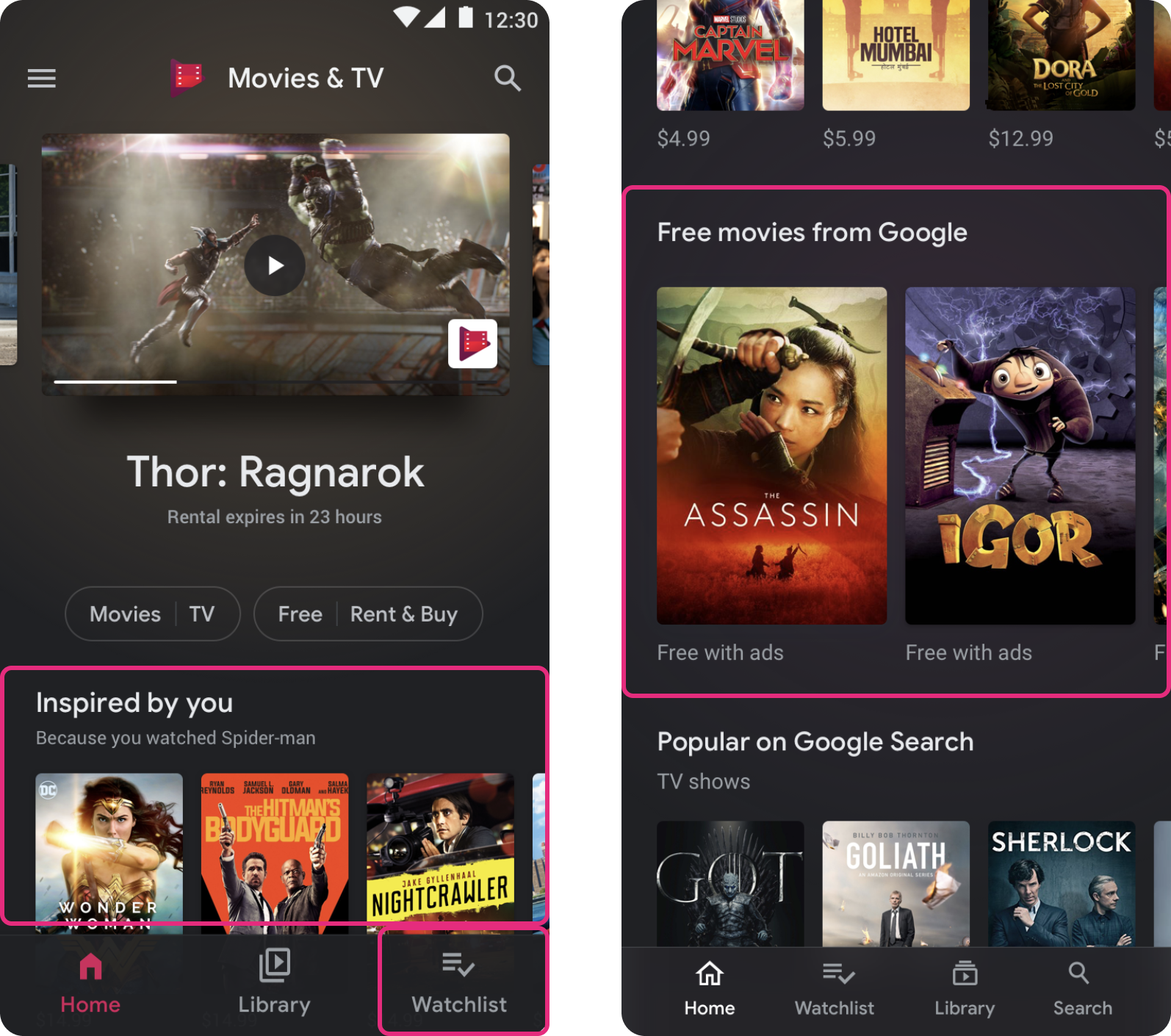
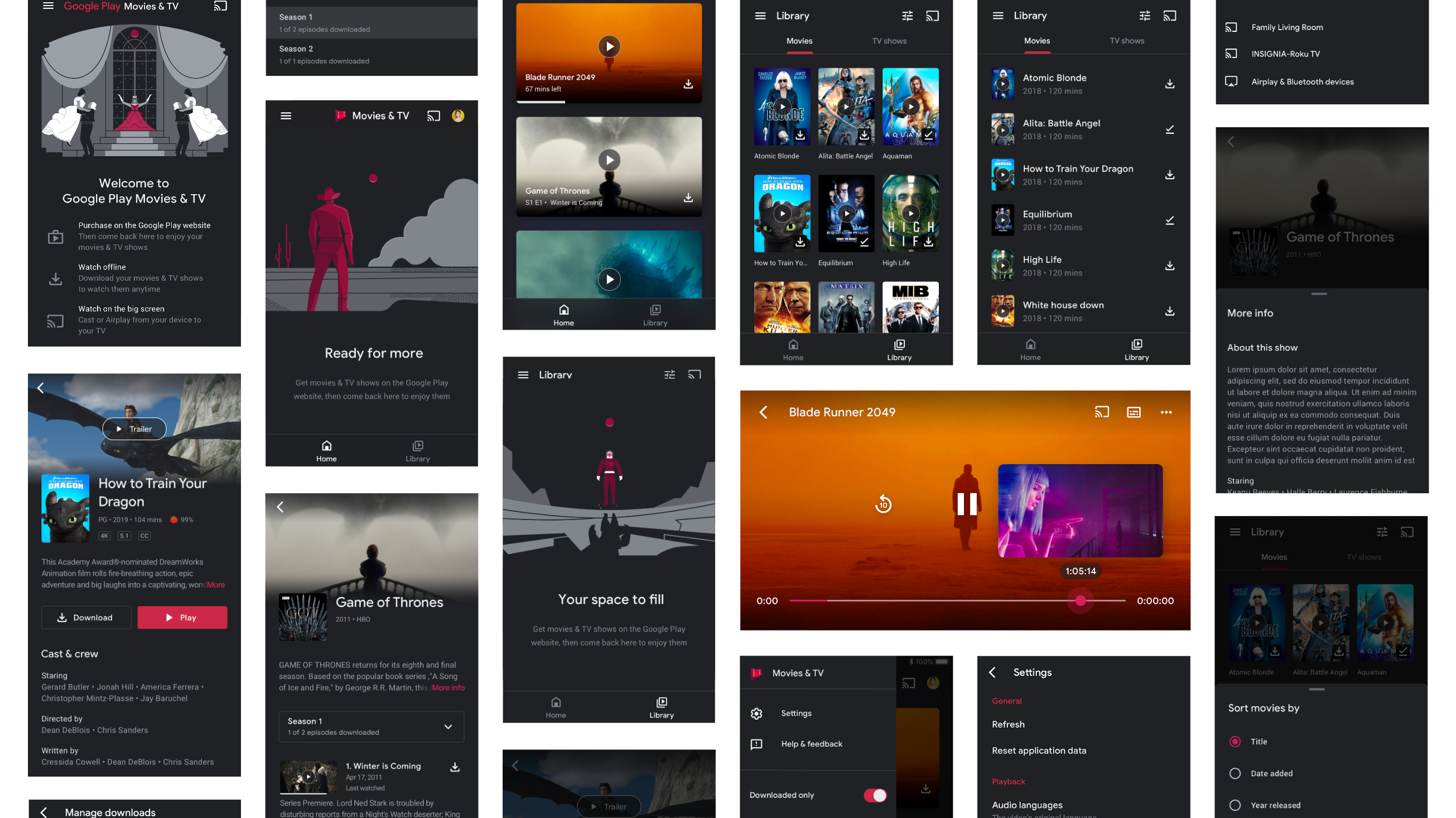
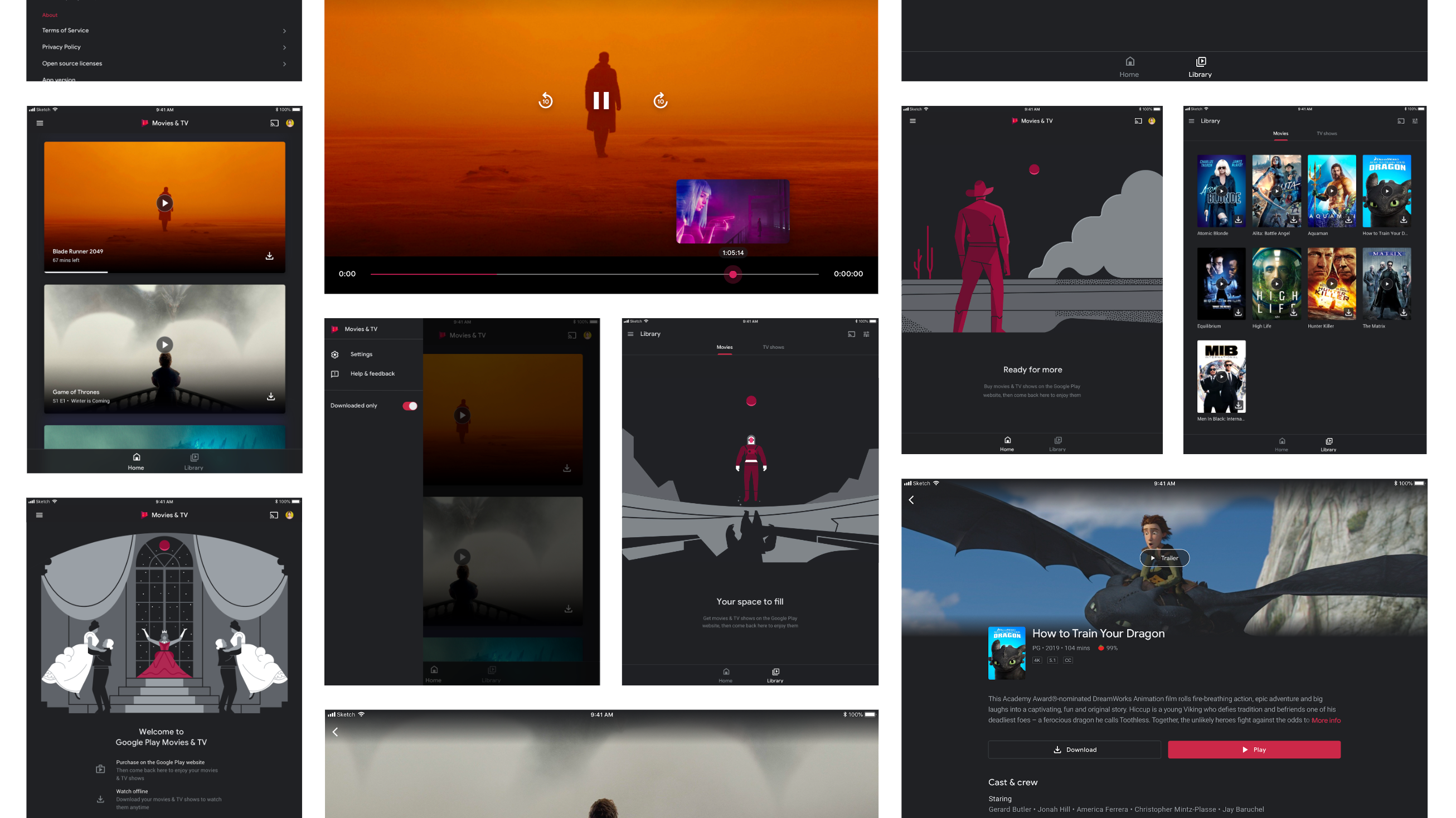
There were many more ways to reach our project goals and honor our principles. I came up with a variety of additional directions and features based on a plethora of past user feedback, should more bandwidth become available.
We were shifting our model from transactional to consumption-based, so I needed to rethink our primary interactions and information hierarchy around consumption needs.
Detailed content info for purchase evaluation
Personalized purchase suggestions
Optimized content discovery feed
Continue watching & watch history
Cross-device syncing
Library management
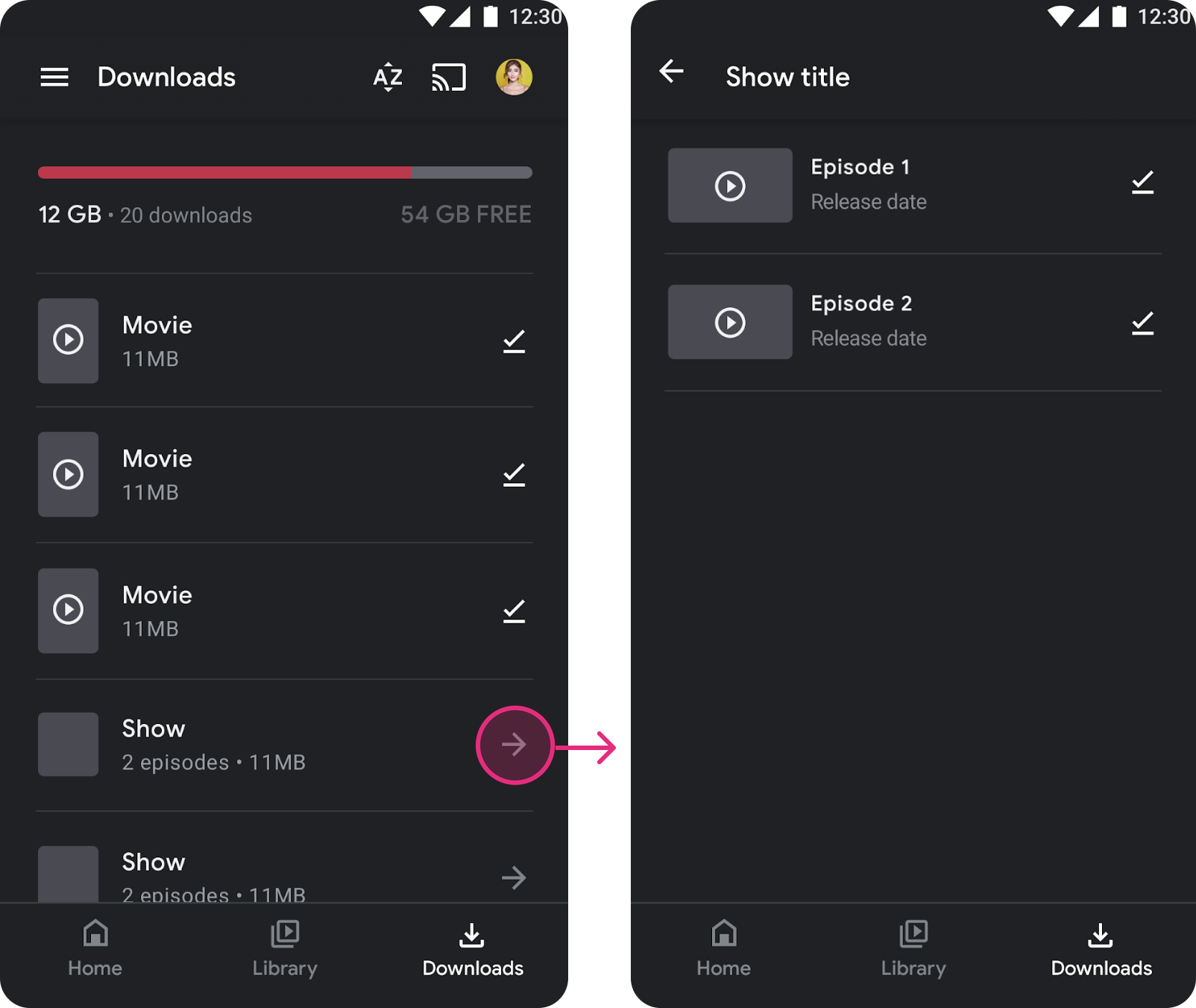
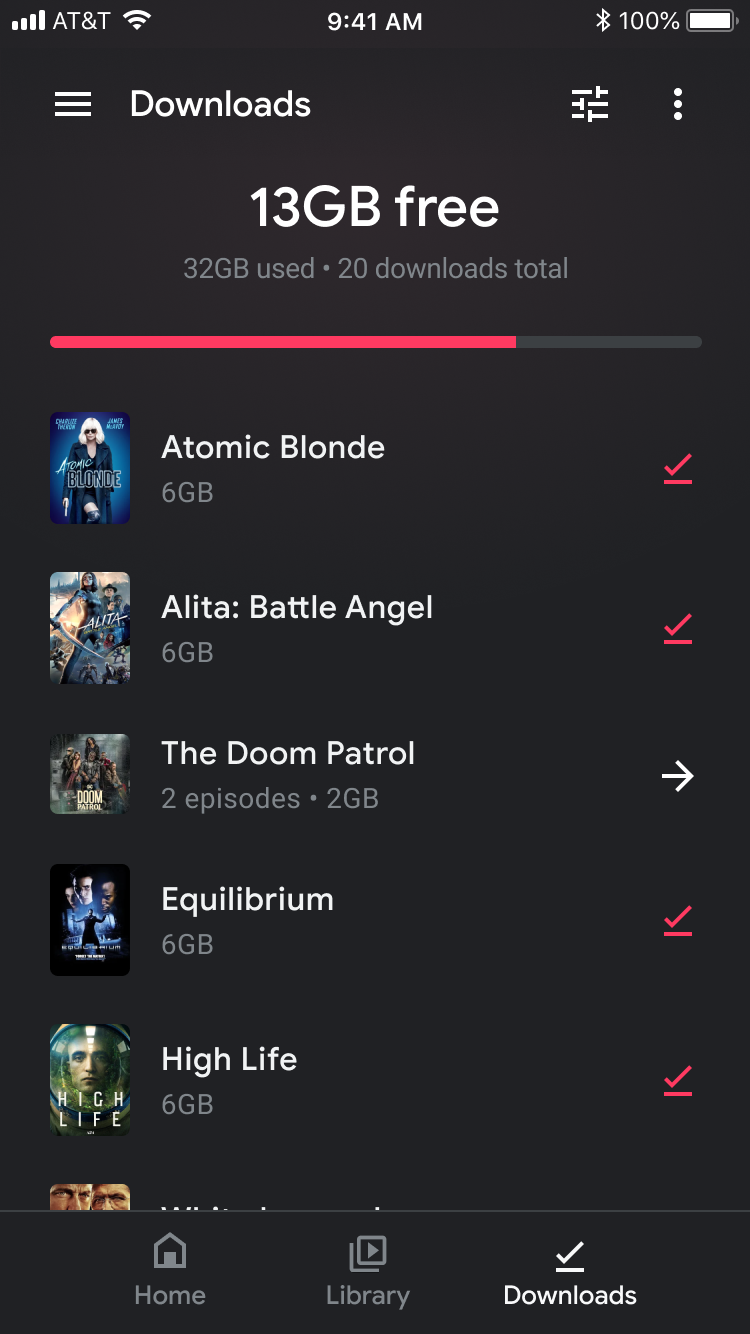
Downloads & device storage
“I want to download my content but need to see if I have enough room on my device”
43% of iOS users watched content offline, so a shortcut to their downloads, plus a way to manage them, would help users get to their content faster.
A downloads tab is also a great solution for offline mode.
*Although iOS has a large iPad user base (53%), explorations are shown on mobile.
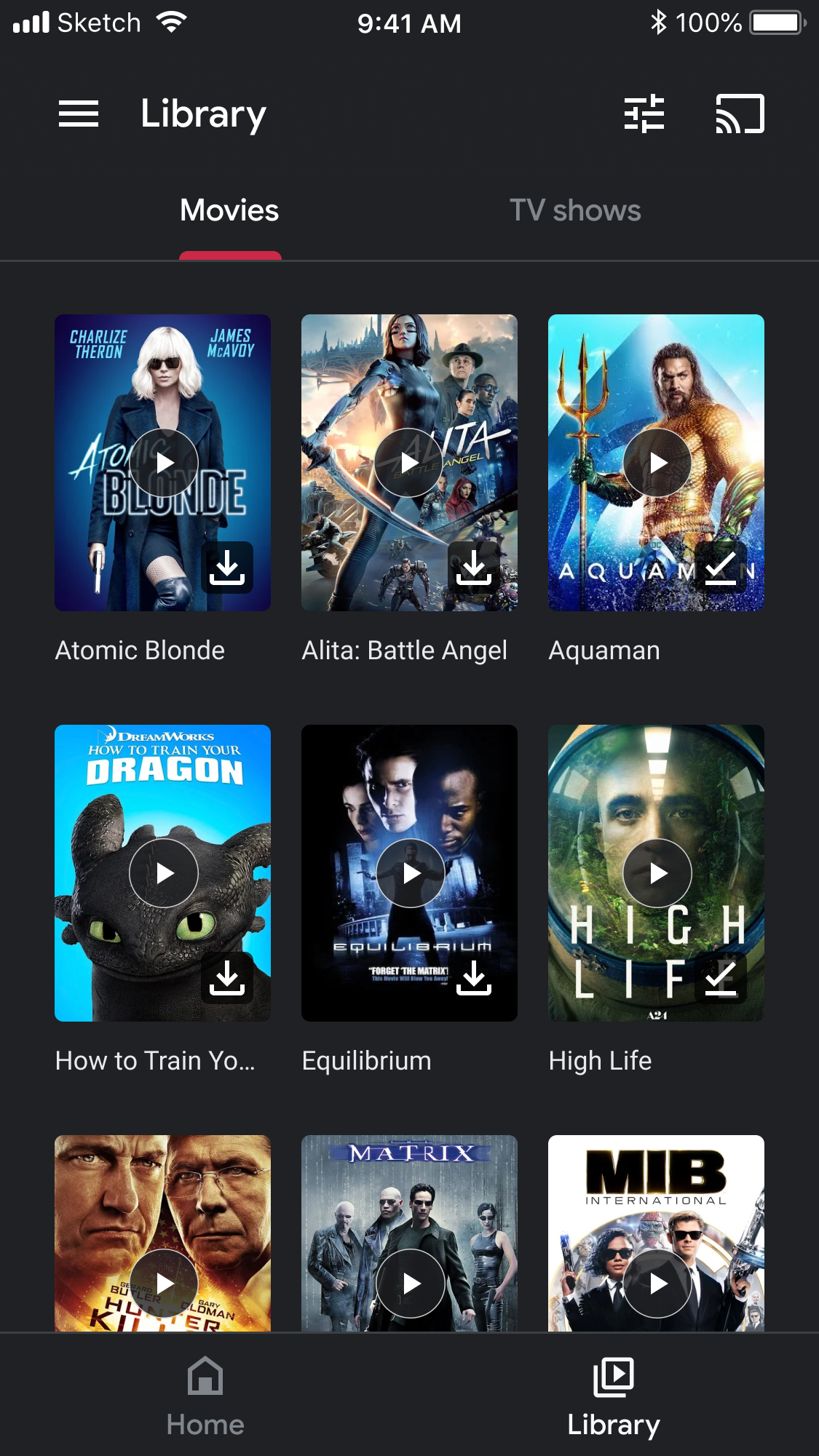
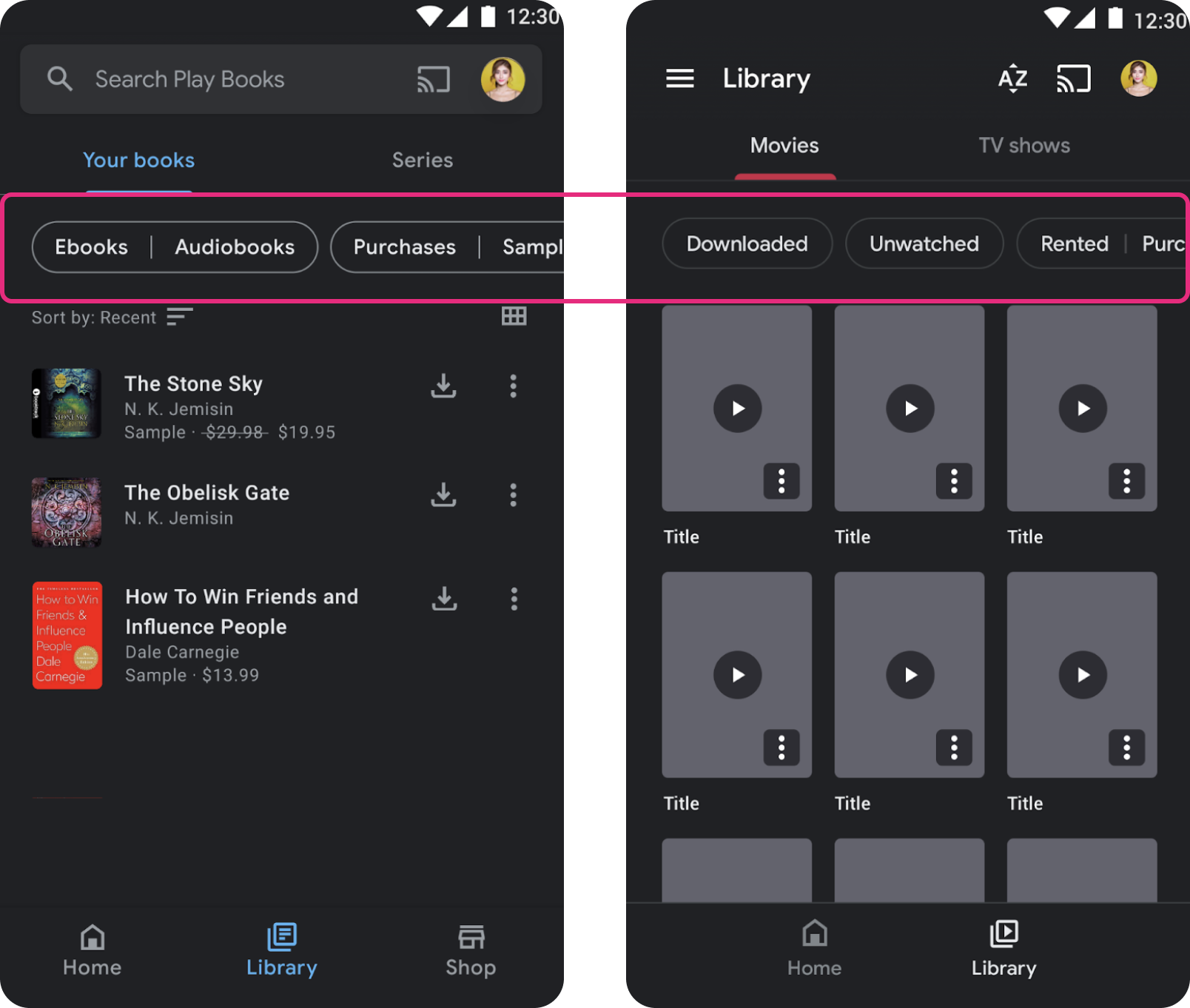
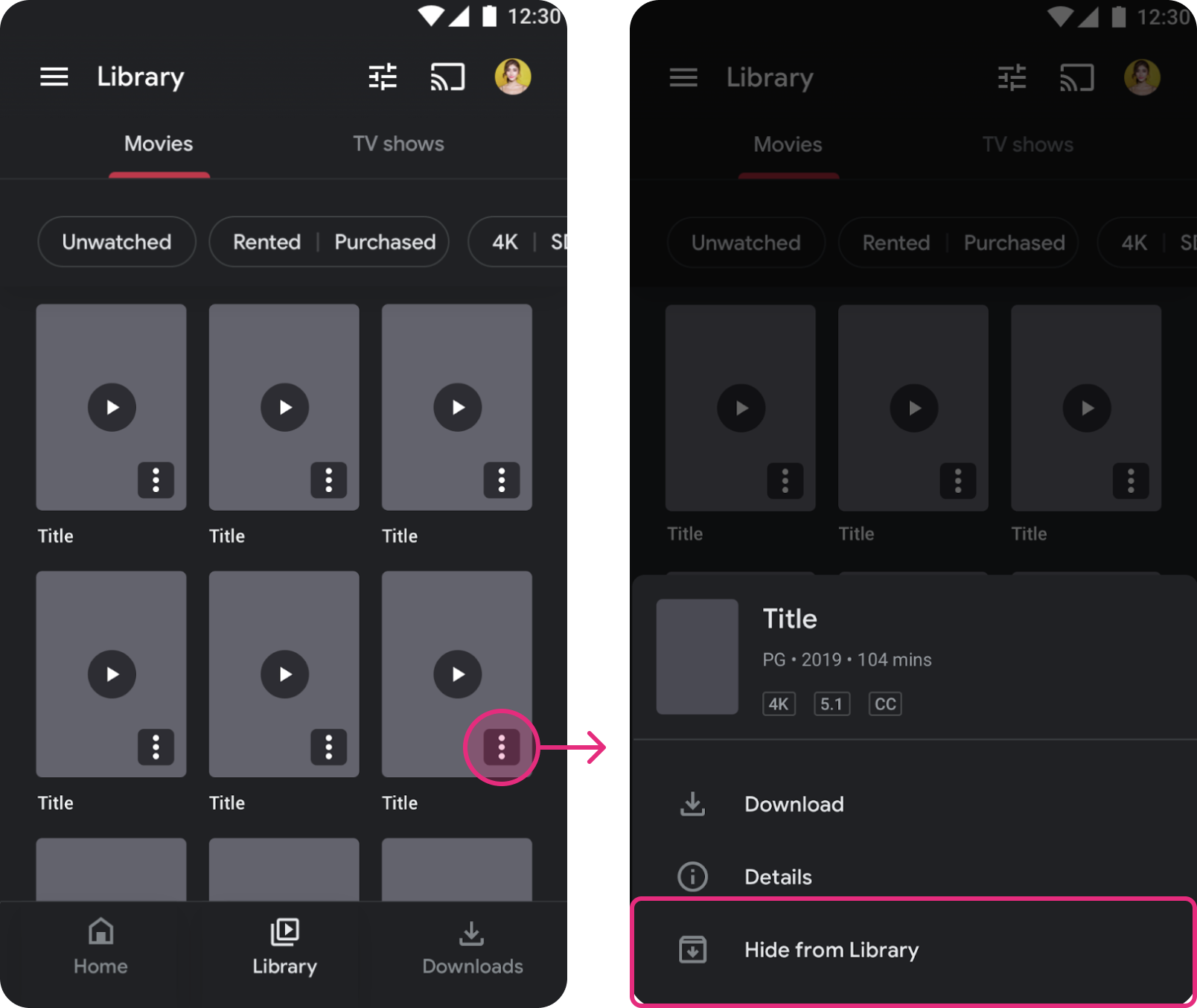
“It’s hard to navigate through my library to find what I need”
Since local search wouldn’t be available for a while, filters were the next best thing. Play Books already had a filtering component system we could reuse.
“I don’t want certain content in my library anymore”
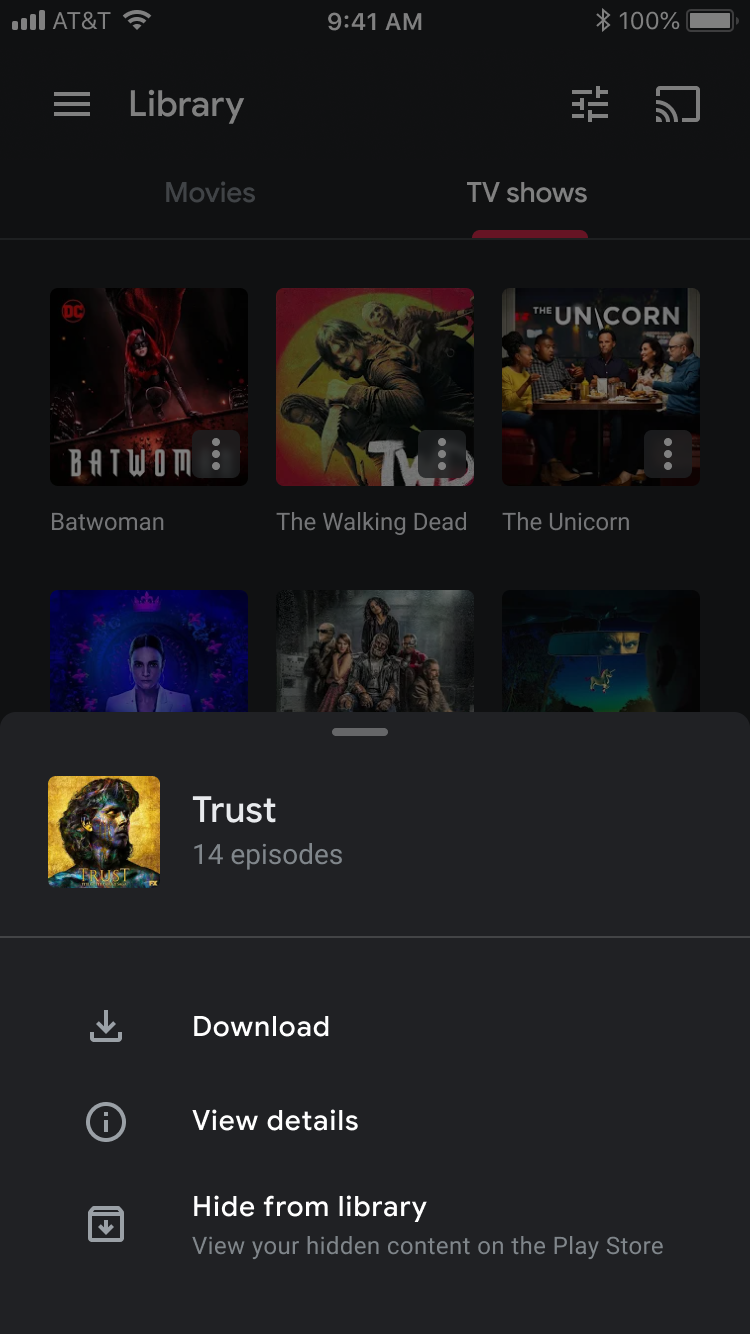
Even on Android, users were begging for a way to archive content. iOS could lead the way.
Archiving would give users control over older or “embarrassing” content. Archived content could be retrieved from the Play Store.
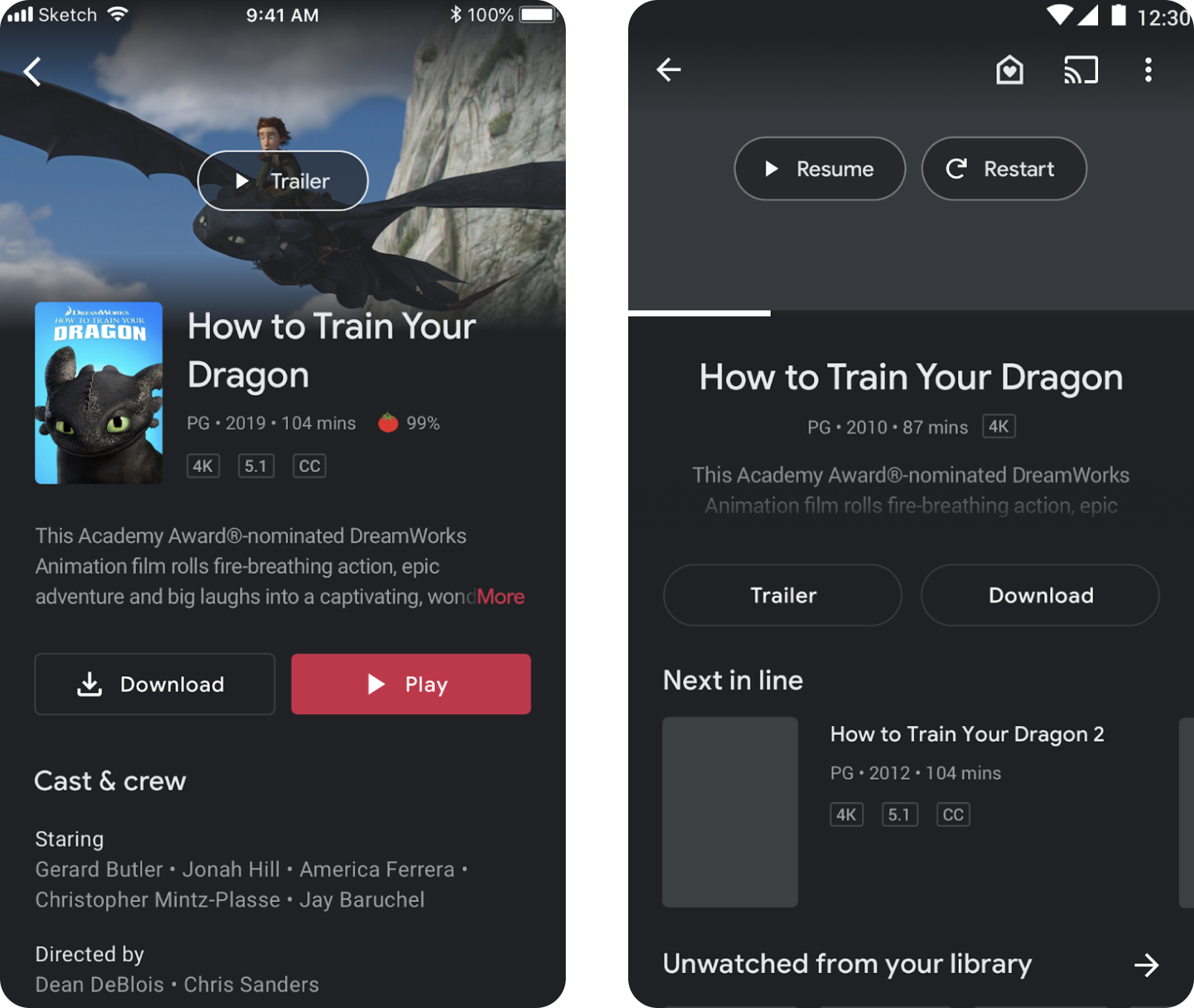
“I want the detail page to cater to my watch state and give me cues on my watch progress”
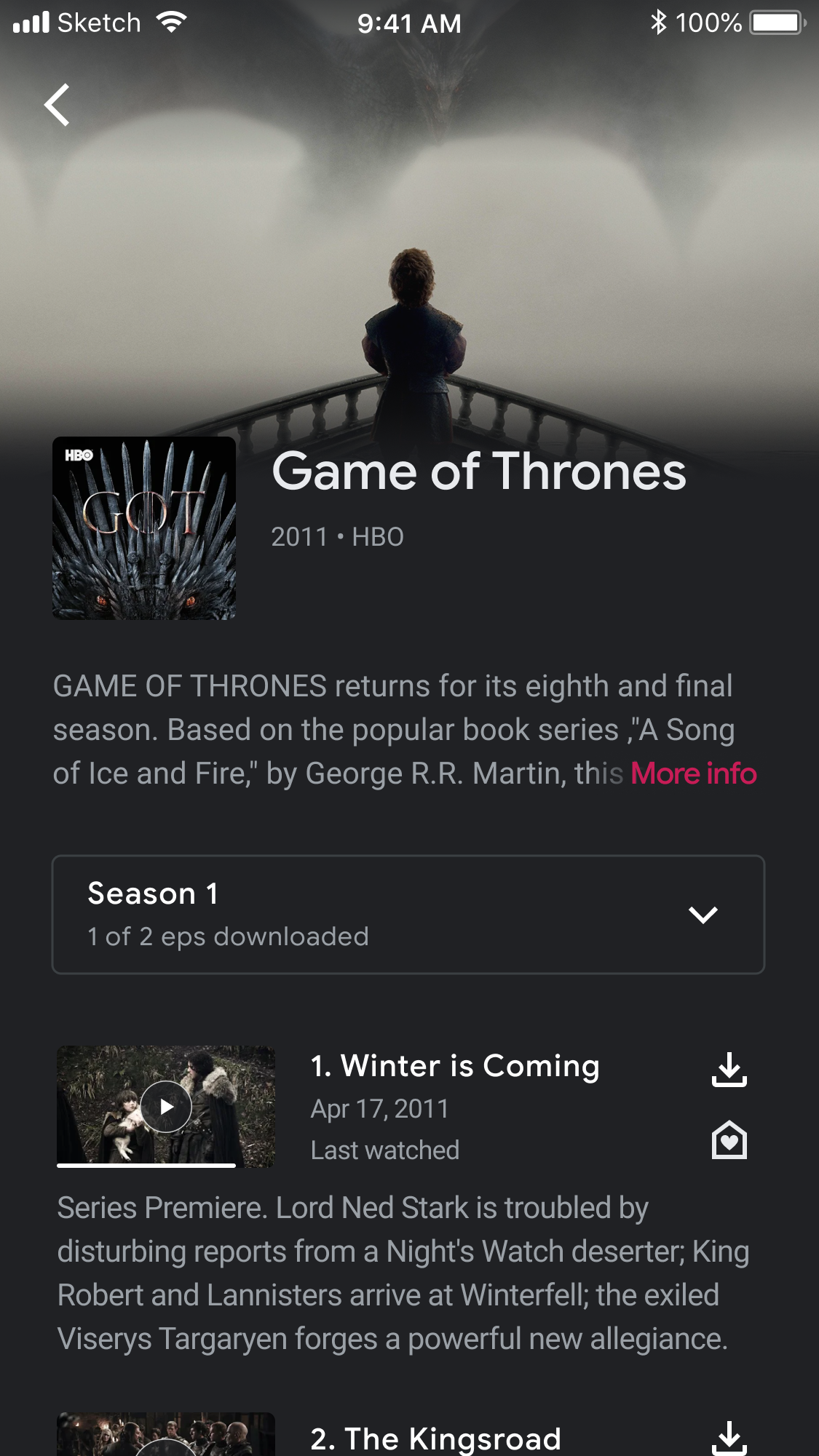
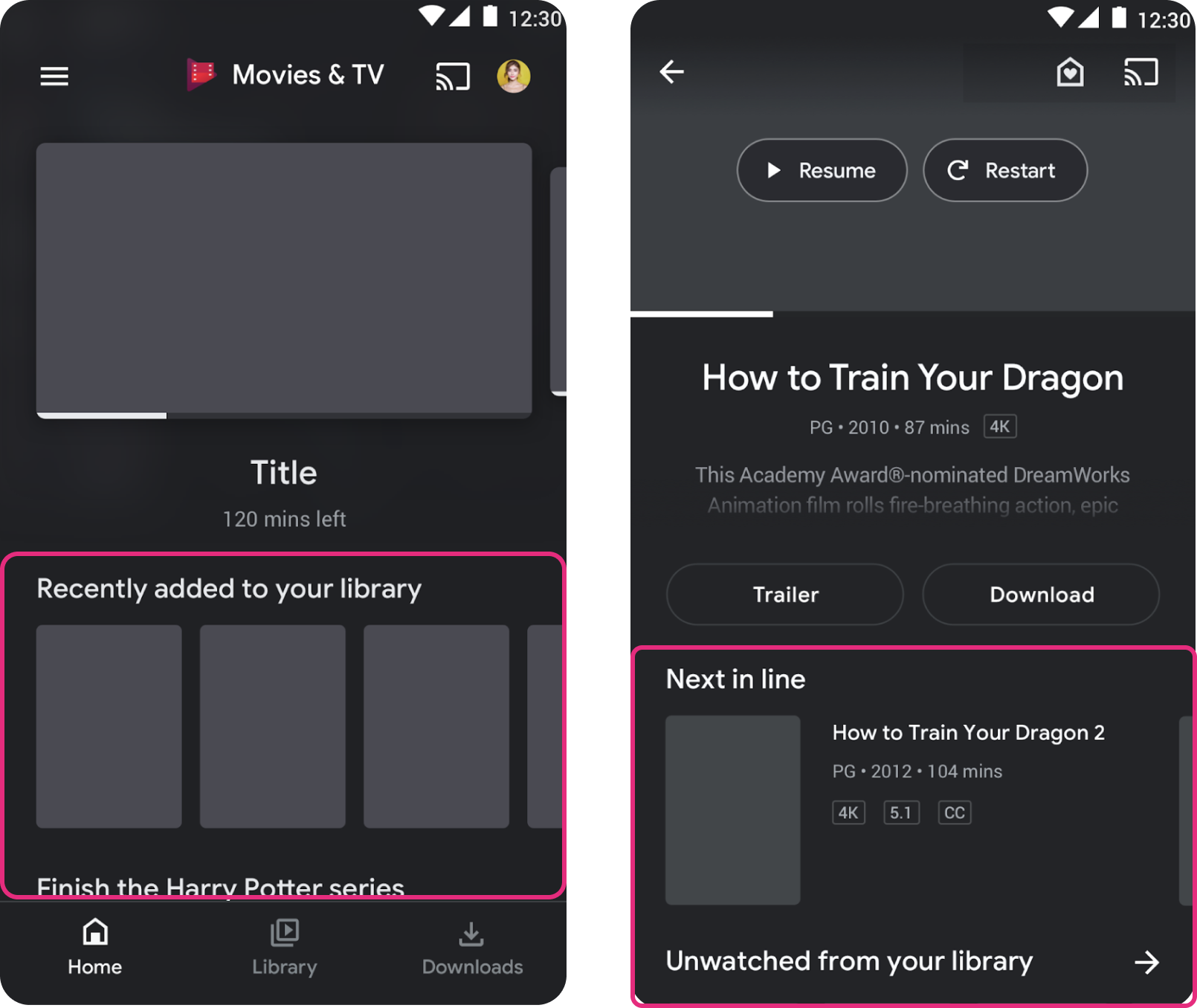
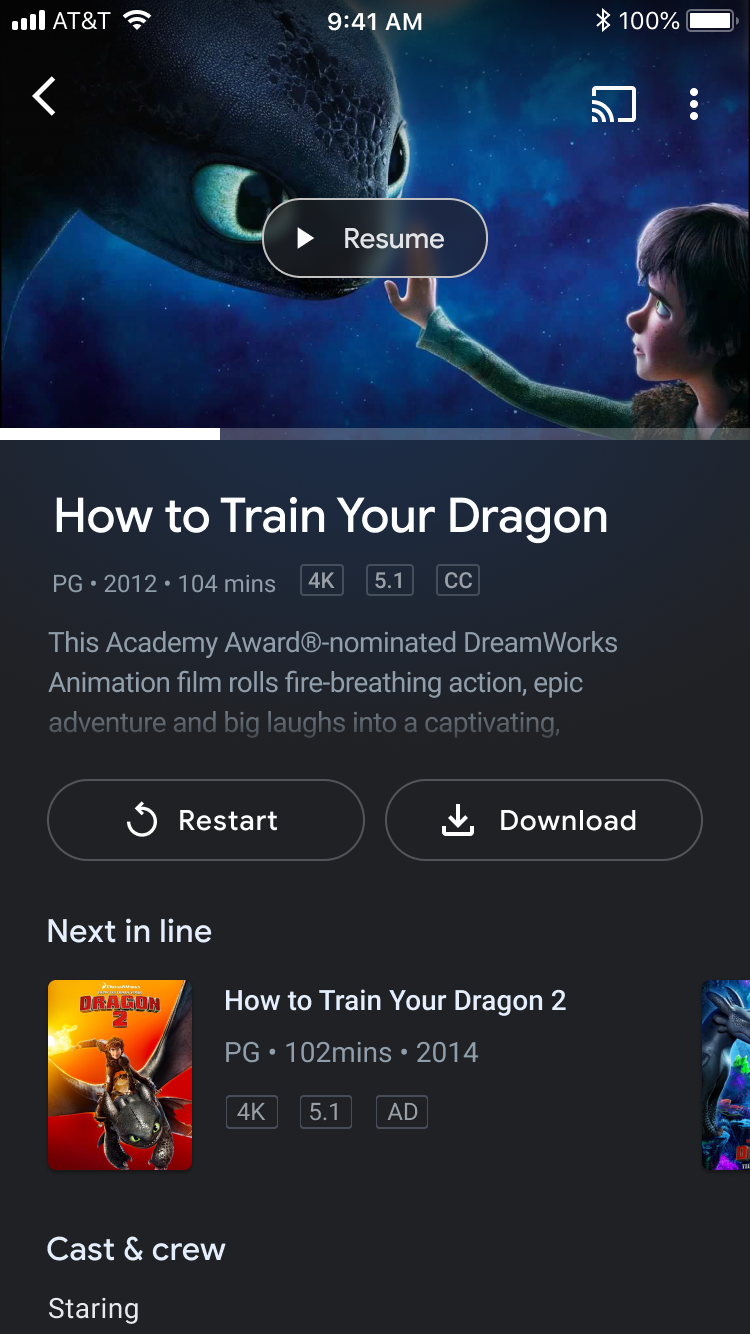
If we’re focusing on users’ WATCHING needs, the detail page hierarchy should reflect that rather than emphasizing purchase information. Reorganizing it would get users to their content faster.
This layout is similar to YouTube’s, which is built for fast playback.
“I like to see details about the content I’m watching”
“I don’t want what I’m watching to be easily visible to others when I’m publicly commuting to work”
“If I’m not super focused on what’s playing, I don’t need it to take up the whole screen”
Portrait playback had already proven itself on Android, where it solved many user frustrations.
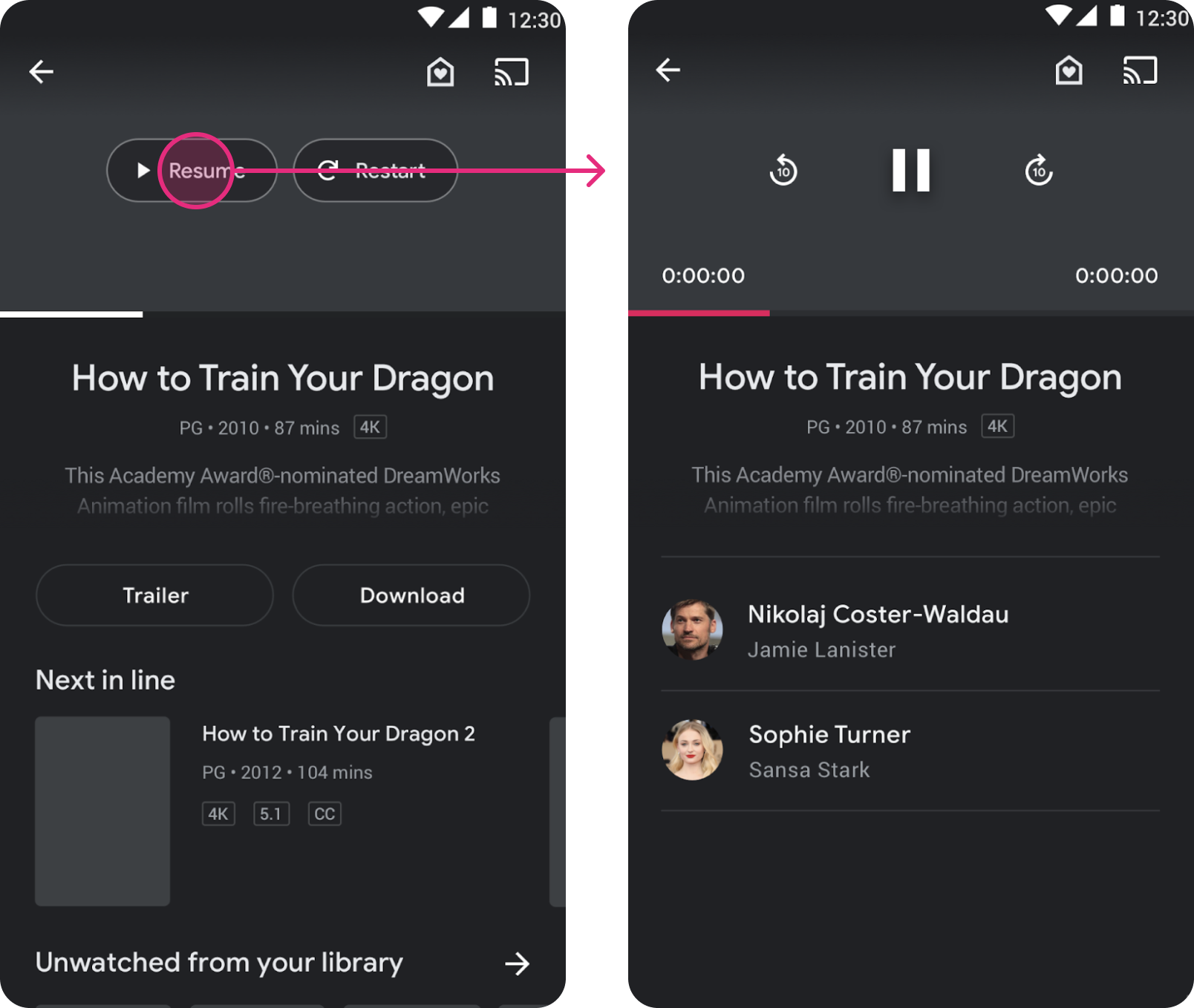
“I want to know how far into a show/movie I am before I continue watching it”
“If I’m not super focused on what’s playing, I don’t need it to take up the whole screen”
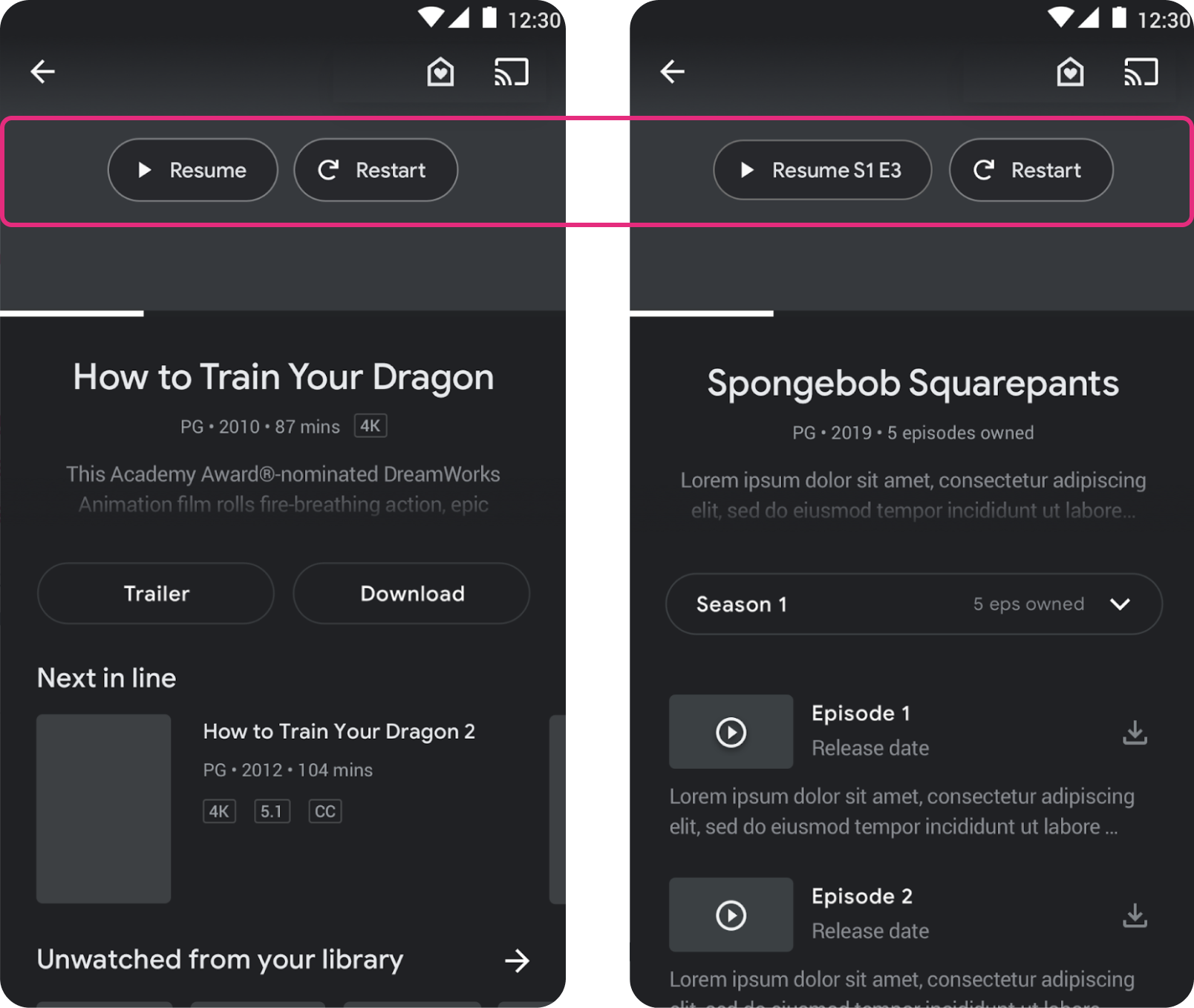
Use more helpful language, like changing “Play” to “Resume” once playback has started.
Add an option to “Restart” playback.
“I have a huge library and want to watch something, but it’s overwhelming to look through such a huge list of options”
Whale users have huge libraries (100+ titles). Suggesting titles from their own libraries would help them make the most of what they own, ease decision fatigue, and get them to what they want faster.
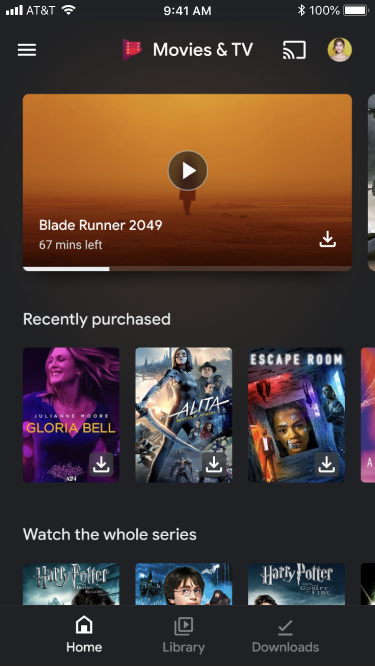
“I don’t purchase content often enough to have a recents list on the home tab. I just go straight to my library.”