Let’s Talk
overview
2021

iOS Scan App

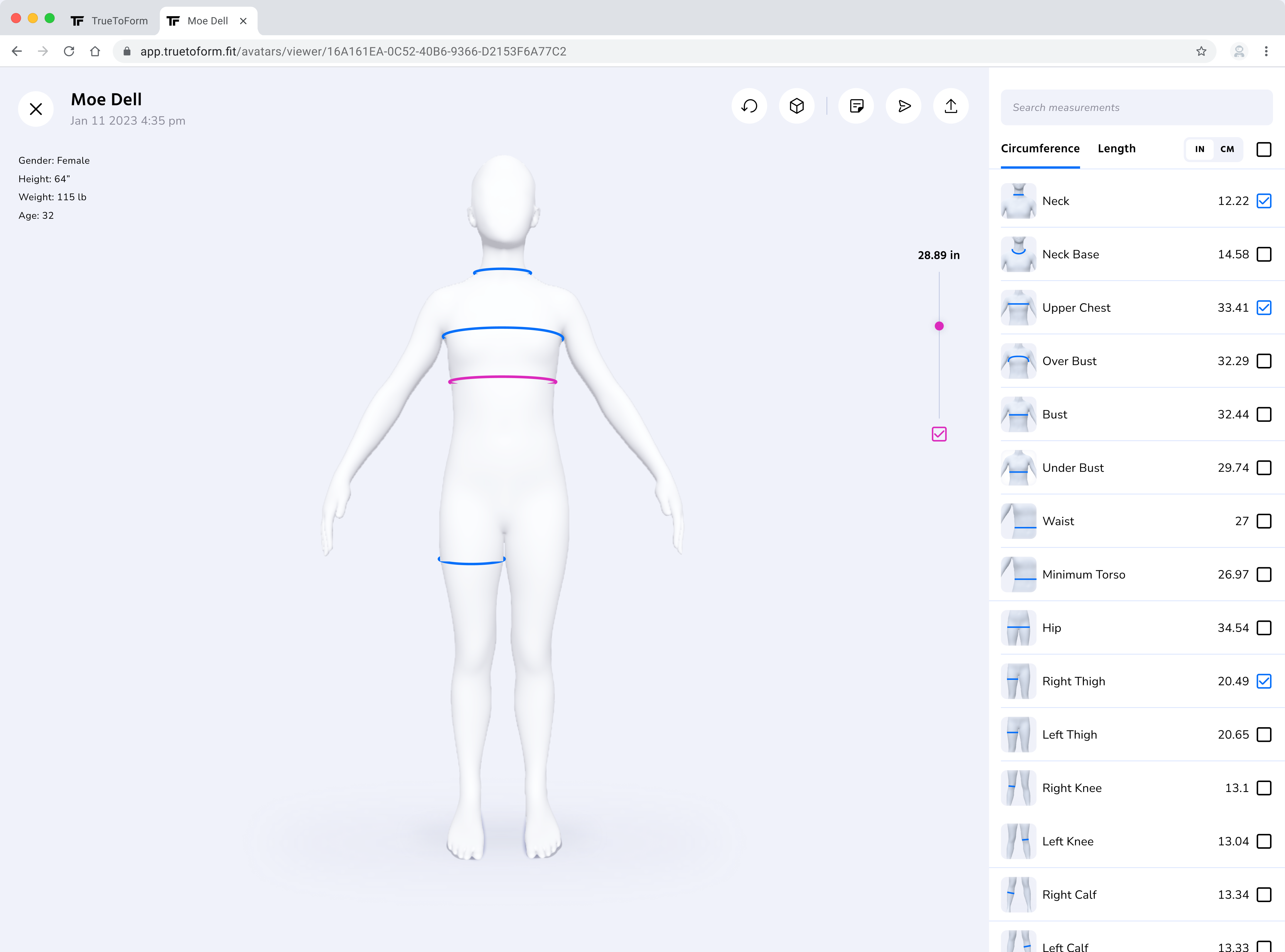
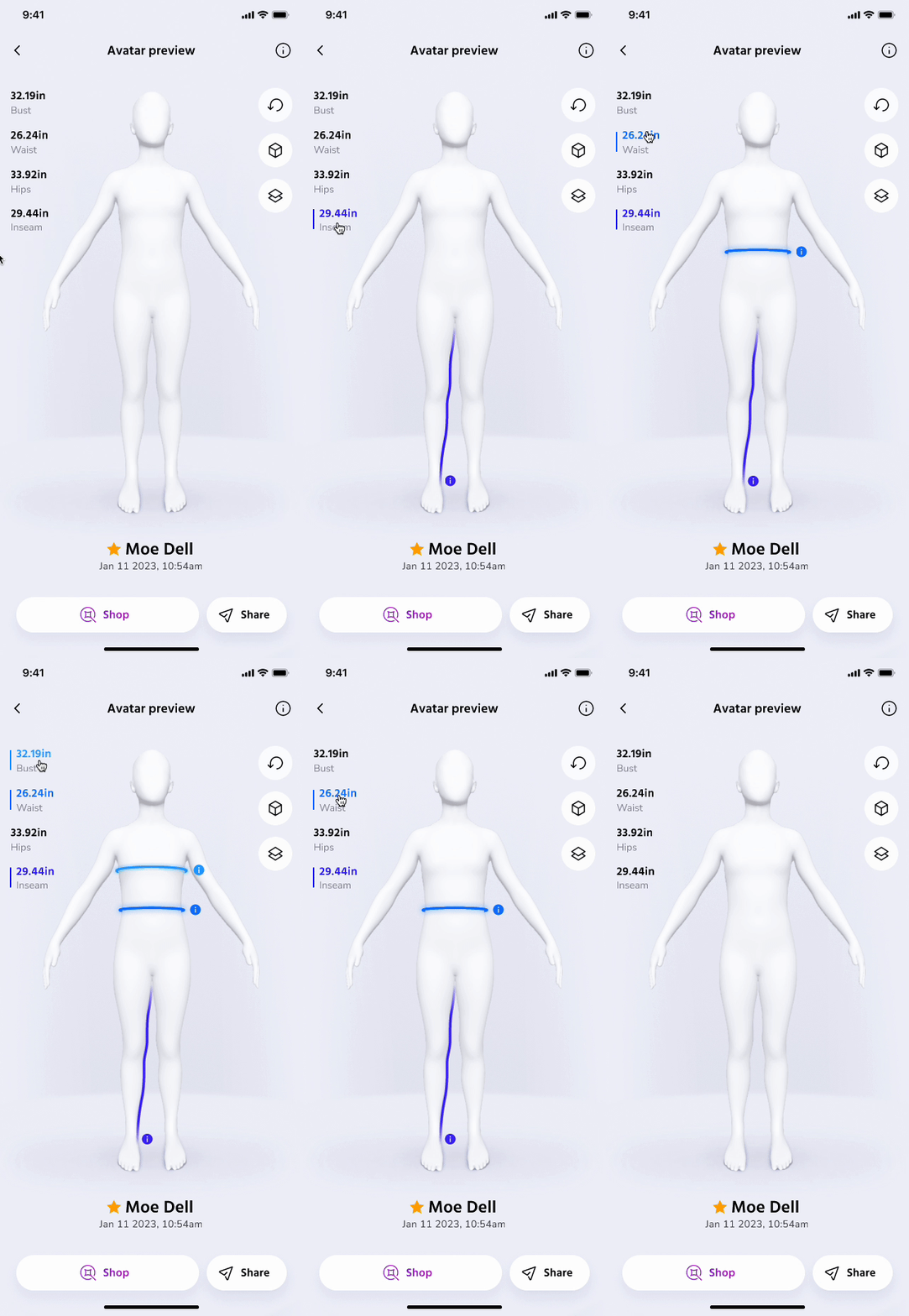
TrueToForm’s companion scan app is the core software behind all of the company’s other solutions, using its proprietary scanning algorithm to capture highly accurate measurements. Those measurements are then generated into an avatar for use in garment design, manufacturing, and shopping.

My role

Design team lead
Design strategy, UX/UI, research, and video production

Team

CEO, CTO, a full-stack engineer, and 2 interns

Outcome

Scan approval rate: 50% → 96%
27k+ avatars submitted since the update
25+ new business sign-ups

context

The scan app was the foundation of our garment design and fit solutions. Without it, there was no scan data, and without scan data, there was no TrueToForm.

As our solutions expanded and our client base grew, it became clear the app had to succeed.

To achieve that success, we needed to make the scan process WAY more intuitive and usable, despite the complex needs of our scanning algorithm.

Designer portal
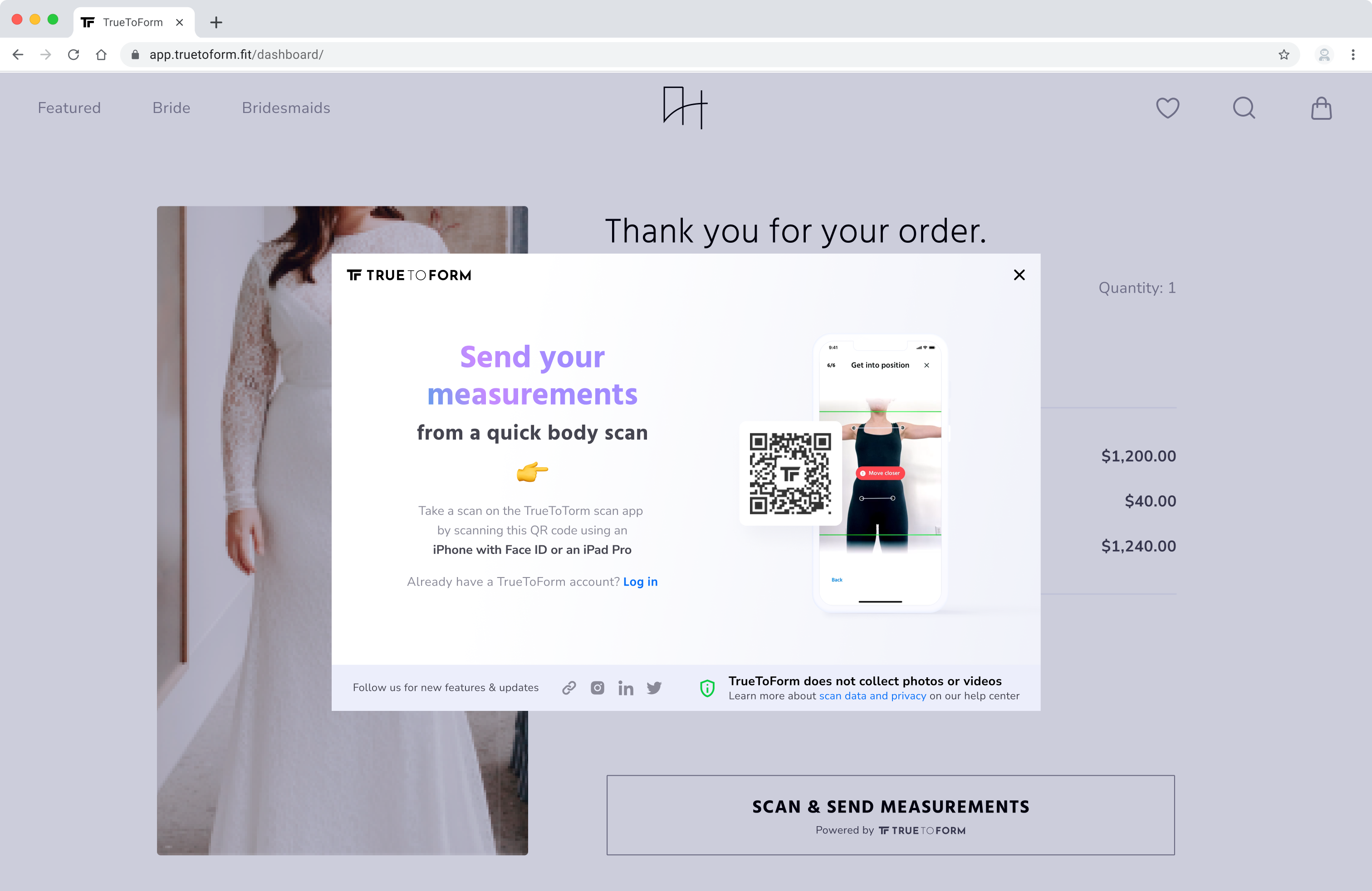
Measurement widget
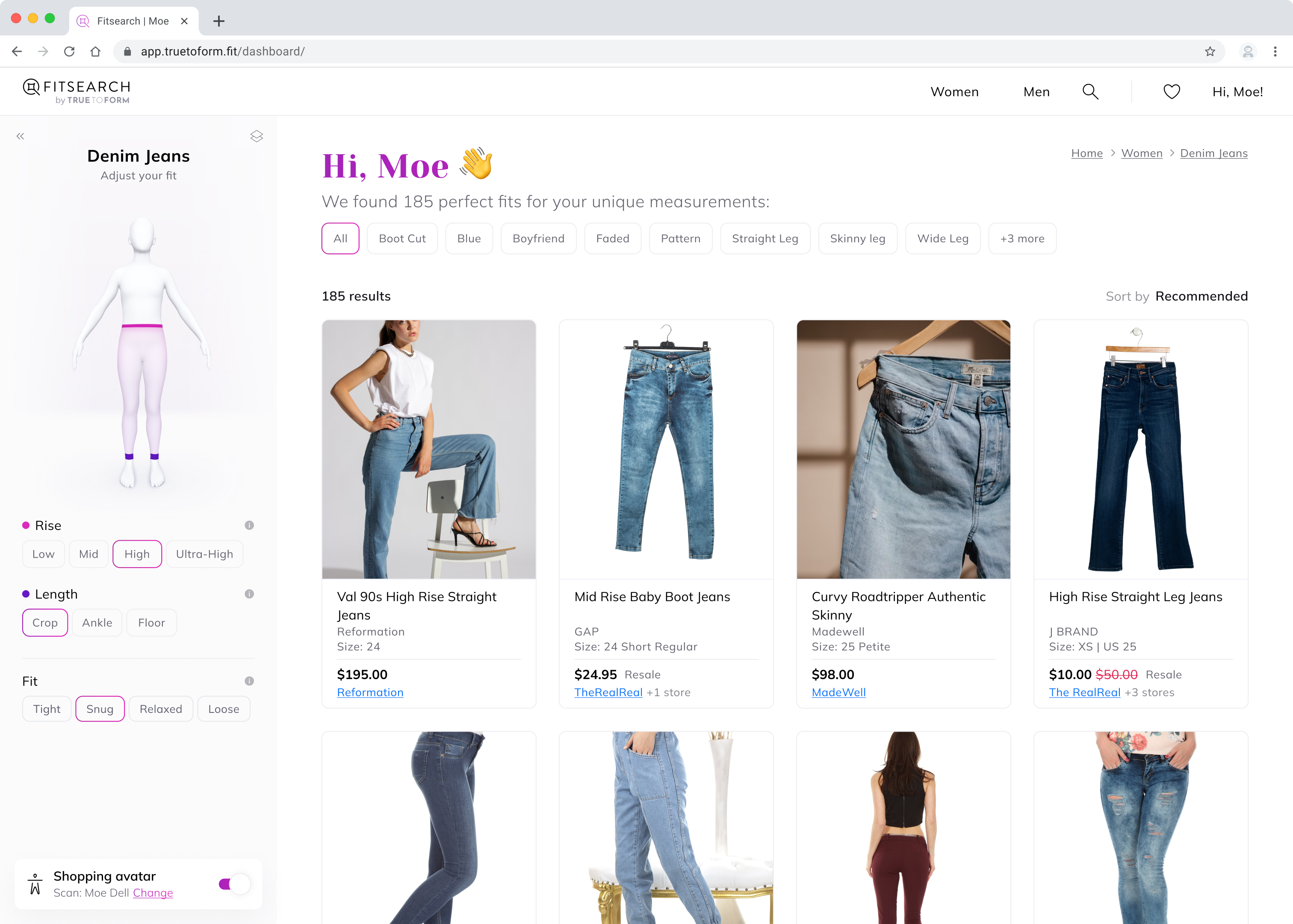
Fitsearch
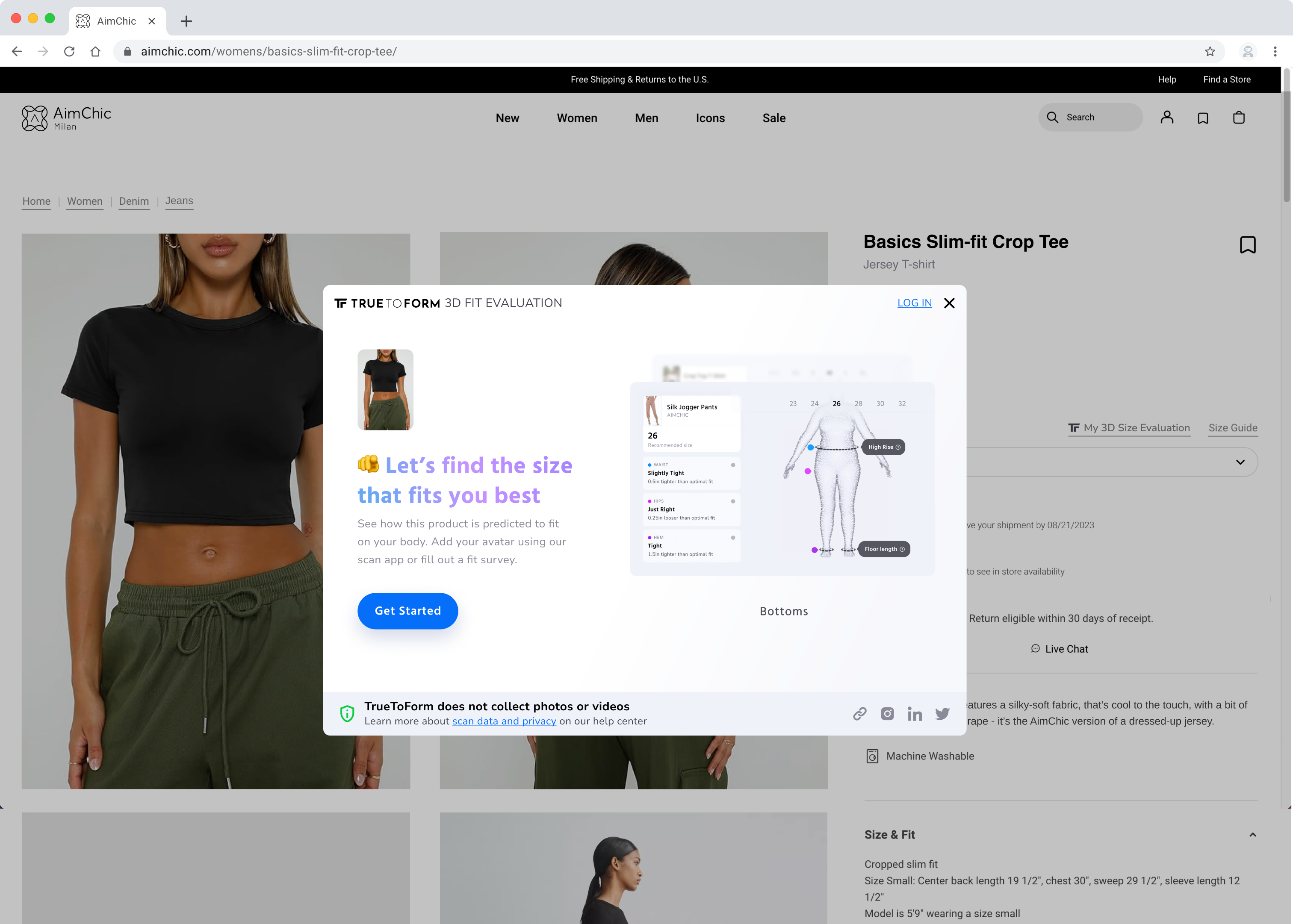
3D Fit widget

More specifically, the avatar creation flow needed a drastic overhaul

Every avatar starts with a scan, and every scan depended on people at home getting their clothing, space, phone placement, and a 360° spin right on their own.

The flow needed to teach all of this in the moment, coaching people through each step while staying quick to use and light to build.

With limited resources, I had to be strategic about getting the most out of what we had

1

Full-stack engineer

We had one developer, who was also working on our other products at the same time

20

Hours a week

I was working with other startups in parallel, so I gave TrueToForm 20 hours a week

0

In extra funding

As a startup still raising seed funding, we needed to keep everything as cheap as possible

TL;DR Project Goals

Increase scan approval rates.

Keep designs cheap and simple.

Don't change existing core functionality.

process

What I started with

Before I joined, scanners usually needed direct help from the TrueToForm team to get through the scanning process. Even then, the submitted scans that were usable for avatar generation were only ~50%.

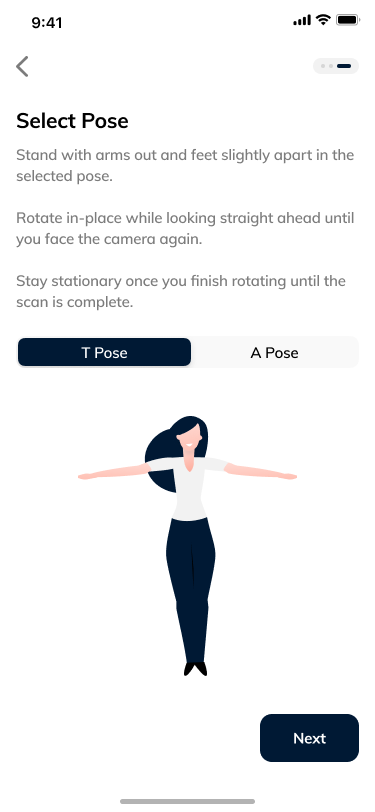
Along with updating the linear app flow, I pushed to remove technically unnecessary steps, like all of step 4.

1
Landing page
2
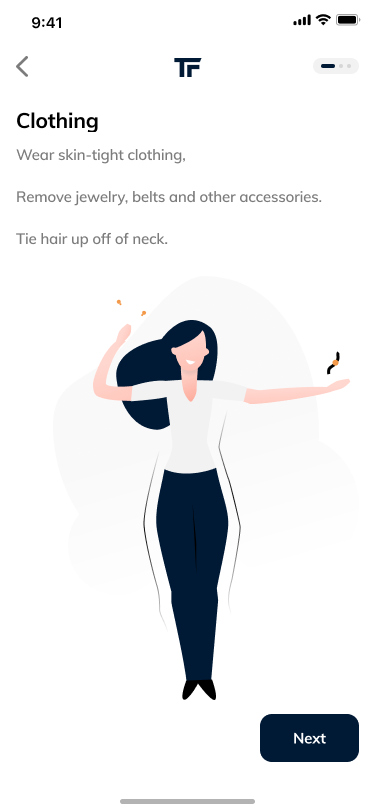
Clothing tutorial
3
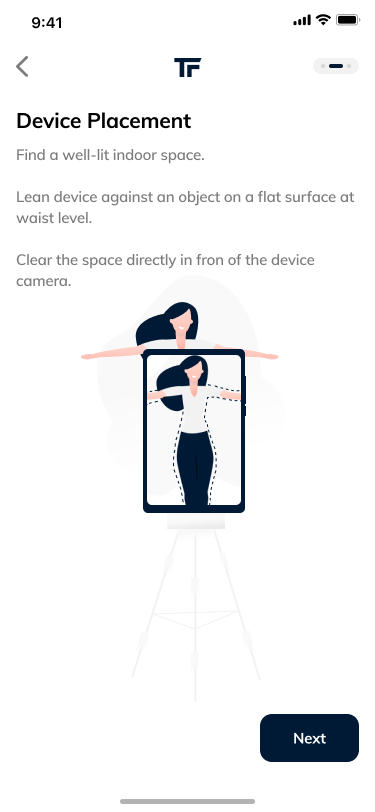
Device placement tutorial
4
Pose selection
5
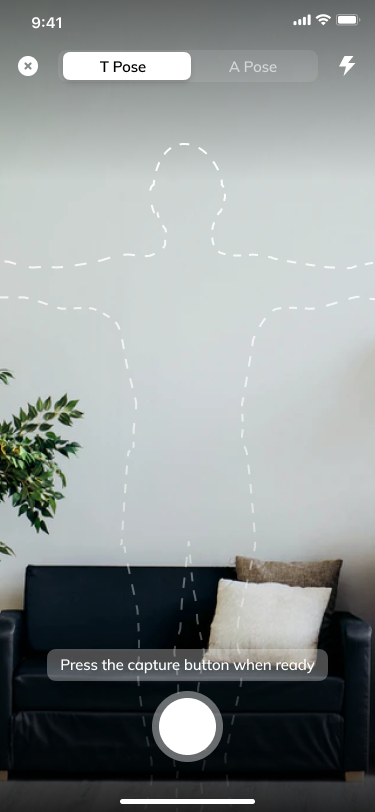
Scan capture
6
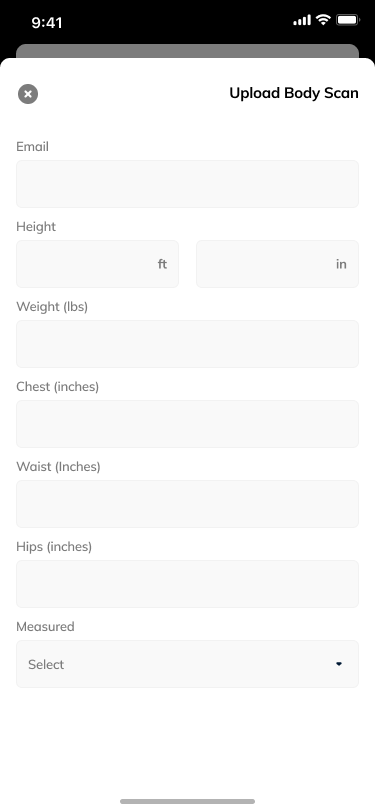
Personal info input

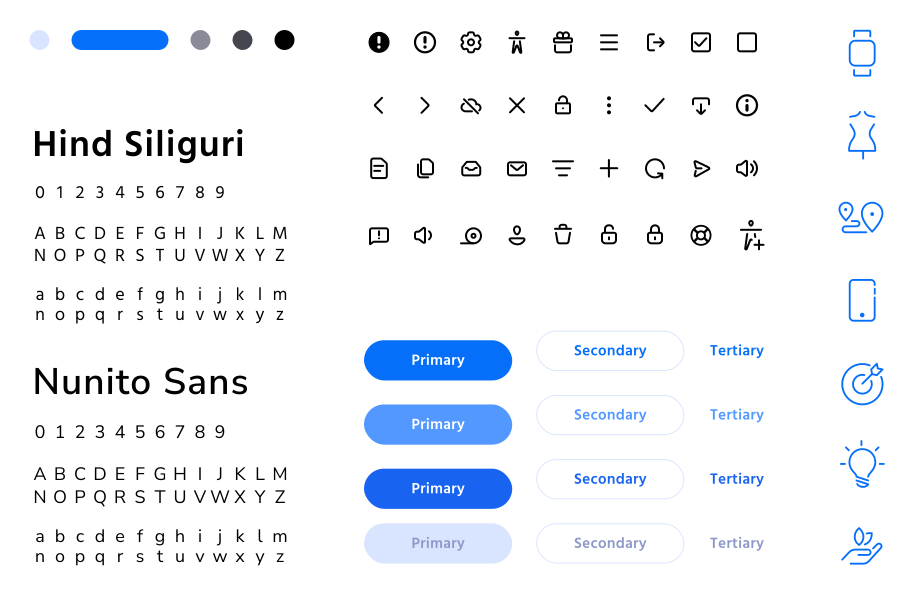
Creating a starter style guide

As mentioned, one of the biggest bottlenecks to project success was limited resourcing.

I quickly designed a style guide that made our brand feel professional and trustworthy, built out just enough to streamline design and implementation.

Improving the avatar creation flow

I started by replacing the original landing page, a single CTA with no context, with a familiar sign-up pattern and a “continue as guest” option. That balanced leadership’s need for accounts with lower friction for new users.

After conducting competitive research and interviews, I moved away from a linear process. Interview participants called it “long and grueling,” and a less linear flow would make later adjustments easier.

The “avatar hub” design broke the steps into digestible pieces and also avoided the extra development complexity of a linear process.

1

Land on the avatar library page after logging in

2

Press the "New avatar" icon button

3

Complete the "New avatar" steps

1. Complete scans (includes tutorials)
2. Enter personal data for avatar
3. Choose share option
4. Submit for avatar generation
4

Land on the avatar page

View avatar generation progress or navigate back to the avatar library

Taking a successful scan

The trickiest part of designing the scan flow was guiding users through unfamiliar 3D interactions while meeting the scan algorithm’s needs: enough space and distance from the device, correct device placement, a full 360° spin, and more.

My goal was to build robust support systems that guide users through the scans in real time, while keeping implementation cheap.

~Getting ready to scan

One long instructional video didn’t prepare people well, as a large percentage of people skip tutorials. Testing and metric data revealed that clothing selection and location choices were the main reasons scans failed.

Swapping the video for a checklist gave garment choice more weight and was easier to digest.

Test participants reported that vertically scrolling through the checklist made the process feel lighter and shorter.

~Device & position setup: First, do your best

Getting users to understand how their space, position, and movements related to their device placement was tricky. 

Testing revealed that users didn’t understand how device placement and body position depend on each other. Instead of moving the device, they would contort themselves to fit its initial placement.

I used a “level-up” system: first, users followed their own instincts to fit themselves into a silhouette, then the next step helped them fine-tune.

🐕 Dog hair provided by huskies
Echo & Kota

~Device & position setup: Fine-tune

Once users have done their best to position their device and themselves within the silhouette, pressing start takes them to the “fine-tuning” step.

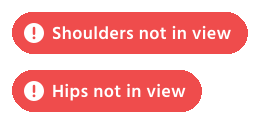
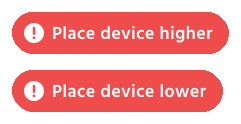
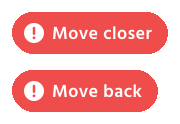
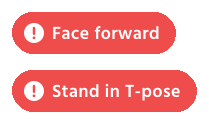
I set up real-time verbal and visual guidance based on where the user’s joints sit relative to the tracking boundaries.

Scan capture started automatically once users were in position, so they didn’t have to break their pose.

The full body scan uses different joint targets based on device position and the complexity of additional joint detection. 

Torso Scan (detailed)
Full Body Scan

Joint checks

Positioning check levels

Level 1 clearance
Level 2 clearance
Level 3 clearance
Check system overview (Torso)

~Completing a 360 spin

Once the green check appears, users are told to hold their arms up and wait for the scan capture to begin. 

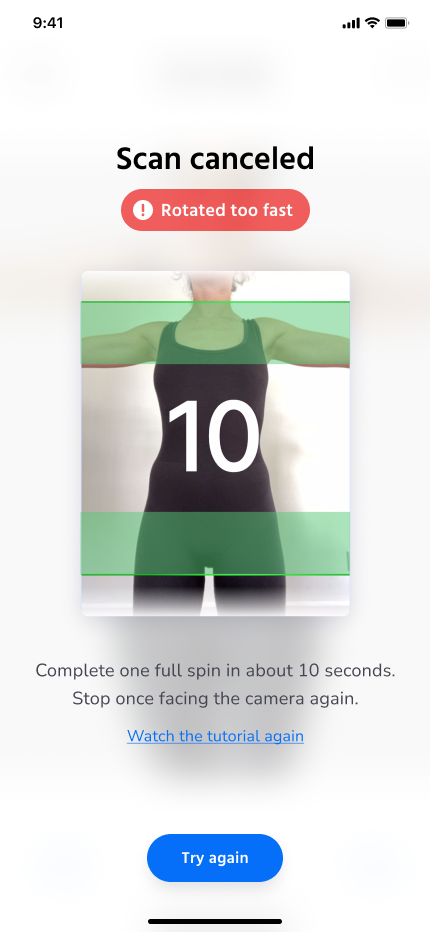
A beep counts down to a single 10-second spin, since turning too fast or too slow would ruin the point cloud capture.

*Note: A full-screen mobile viewport is just a zoomed-in 3:4 frame. Going full screen would have broken the algorithm and narrowed the user’s horizontal view.

~Tutorials & scan support

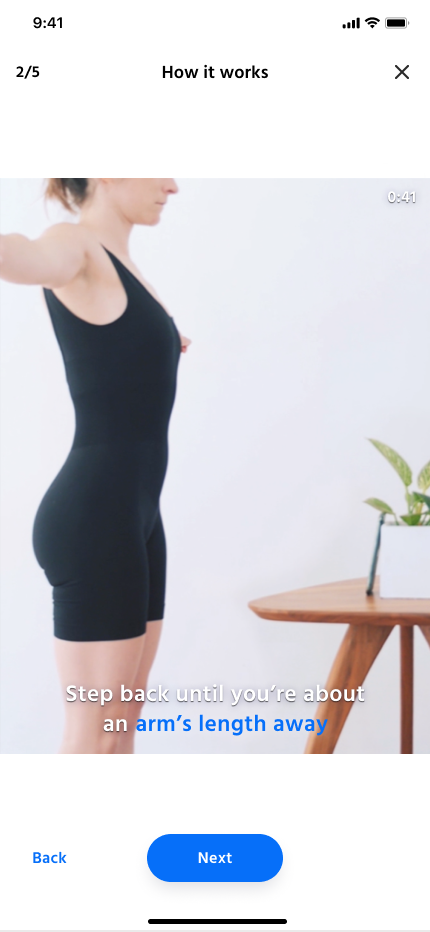
Users don’t like being dragged through tutorials. Along with short pre-scan videos, I added “refresher” instructions in the moments they’re relevant.

Links to TrueToForm’s Help Center also appear throughout the app.

Pre-scan tutorial
Scan canceled review
retrospect

🎉 Behold the success!

96%

Scan approval rate (up 46 points)

A flow that was easy to move through while still meeting the algorithm’s needs nearly doubled the rate, up from 50%

27k+

Avatars submitted since the update

The redesign drove a surge in usage, as more businesses trusted their customers to use the app on their own

25+

New TrueToForm business sign ups

Companies signed up for TrueToForm accounts once they trusted the app’s scan precision and scalability

Directions I would’ve taken with more resources

Increased immersion

3D interfaces are uncommon in apps. With a few more developers, I would have made the app’s brand, style, and flows feel like an immersive 3D space.

Web app forward

As a companion to TrueToForm’s main products, the app asked users to install yet another app, which many wouldn’t do. Being iOS-only also held back growth in the Android market, and with it, business sign-ups.